There is a very specific kind of frustration that only people in sublimation printing really understand.
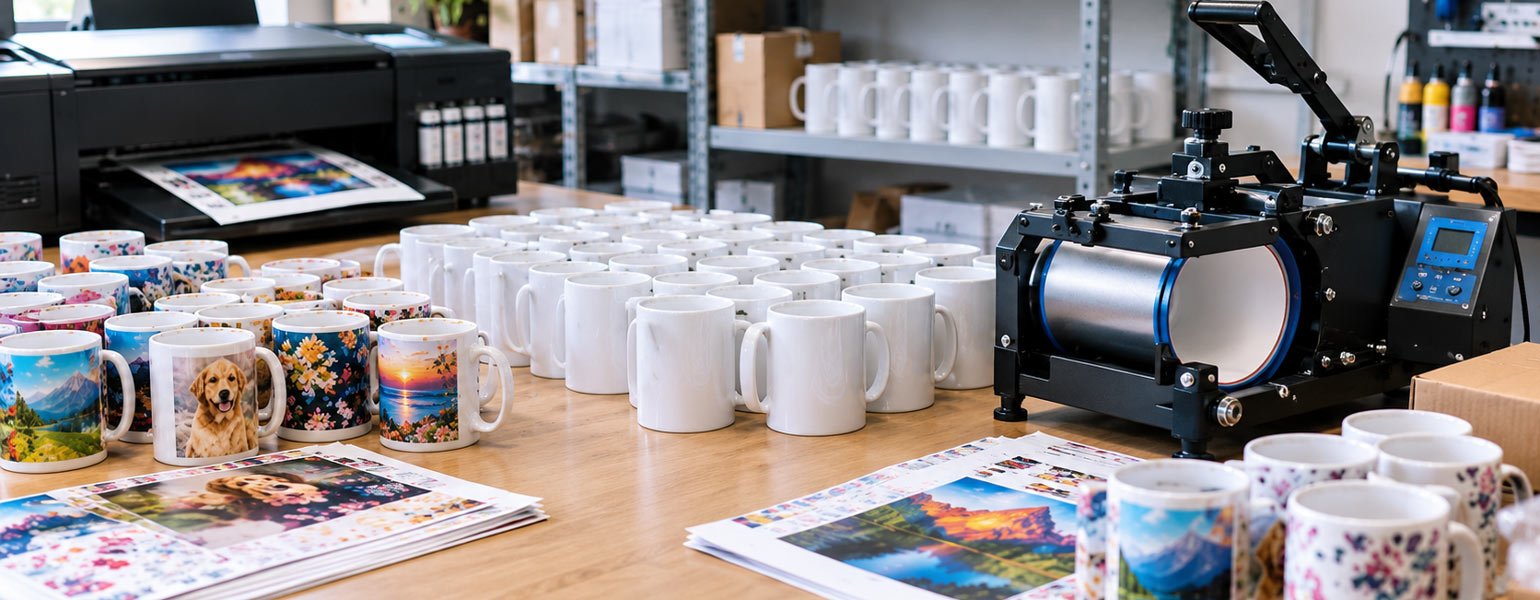
You spend the afternoon setting everything up properly. The mugs are lined up. The designs look sharp on screen. The colours seem perfect before pressing. You finally run your first batch through a 5-in-1 mug heat press machine, already imagining how good the finished products are going to look on Etsy listings, TikTok videos, or customer orders.
Then the mugs cool down.
And something feels off immediately.
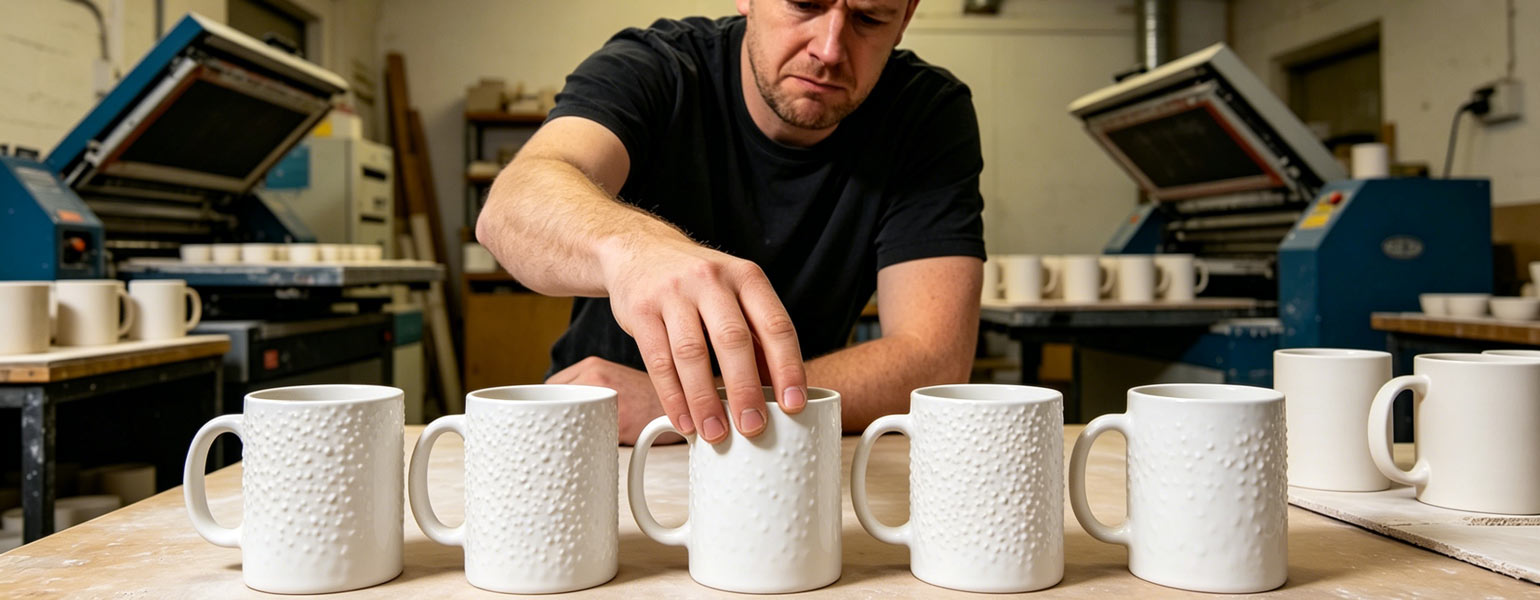
The print is not exactly blurry. It is not faded either. But the surface has this strange, grainy texture to it. Dark colours look rough. Skin tones look sandy. Some parts almost look dusty or noisy when you hold the mug under the light.
You turn the mug around, hoping it is just one bad section.
It is not.
Now the whole batch feels ruined.
Even if it was only five mugs, it still somehow manages to wreck your mood for the rest of the evening.
A lot of beginners run into this problem when they first start sublimation mug printing, especially with multi-function mug press machines. And honestly, it catches people off guard because the design can still look “mostly okay” from far away. The graininess only becomes obvious up close.
The good news is that grainy sublimation prints on mugs are usually fixable.
And most of the time, the issue comes from a small number of common mistakes rather than some massive equipment disaster.
What Does “Grainy” Actually Mean in Sublimation Printing?
This part matters because people often confuse different print problems.
A grainy sublimation mug print usually looks:
- Rough in darker areas
- Noisy in gradients
- Dusty around edges
- Speckled in skin tones
- Slightly pixelated even when the image resolution is good
It can almost resemble low-quality newspaper printing.
Sometimes the print also loses that smooth, glossy look that properly sublimated mugs normally have.
And one frustrating part is that the issue can appear even when:
- The colours look bright
- The transfer technically worked
- The mug coating seems fine
That is why beginners often get confused.
The mug is not a complete failure.
It just does not look professional.
The First Thing Most People Blame Is the Printer
And sometimes they are right.
But not always.
One of the biggest beginner mistakes in sublimation is assuming every print issue automatically comes from the printer itself. In reality, mug sublimation is a chain process.
The printer matters.
But so do:
- paper
- pressure
- mug coating
- heat consistency
- ink saturation
- temperature accuracy
- image settings
A weak point anywhere in the chain can create grainy results.
Low-Resolution Artwork Causes More Problems Than People Expect
This is one of the most common reasons behind grainy mug prints.
A design can look perfectly acceptable on a computer monitor but fall apart once heat is pressed onto a curved ceramic surface.
Especially with:
- Screenshots
- Canva exports
- Compressed JPEGs
- AI-generated artwork is too small
- Images pulled from social media
A lot of beginners unknowingly print mugs using artwork that was never designed for high-resolution sublimation.
And mugs are surprisingly unforgiving.
When heat activates sublimation ink, tiny imperfections become much more visible than they appeared on screen.
Dark gradients are usually where the problem shows first.
If the image quality is questionable before printing, the mug will exaggerate it.
A Better Approach
For sublimation mug printing, try to:
- Use 300 DPI artwork
- Avoid heavily compressed files
- Export designs in PNG or high-quality formats
- Sharpen slightly before printing if needed
- Avoid enlarging tiny images
This alone fixes a huge number of grainy print complaints.
Cheap Sublimation Paper Can Create Dusty Prints
People massively underestimate sublimation paper.
Especially beginners.
There is a temptation to save money early on because sublimation already feels expensive enough. But low-quality paper often releases ink unevenly during pressing.
The result can look:
- Patchy
- Gritty
- Inconsistent
- Grainy in darker sections
You especially notice this on black designs or deep colour backgrounds.
Good sublimation paper transfers ink more evenly and cleanly. The print ends up looking smoother and more solid.
A lot of experienced sublimation sellers eventually realise that better paper often improves print quality more than changing printers.
Pressure Problems Are Extremely Common on Mug Presses
This is where 5-in-1 mug presses sometimes struggle.
Especially cheaper beginner models.
The pressure around the mug is not always perfectly even.
And uneven pressure creates uneven sublimation.
Some areas transfer smoothly while others look grainy or under-pressed.
This happens constantly with:
- Slightly warped mug wraps
- Loose clamps
- Worn heating elements
- Cheap mug press attachments
You may notice:
- One side looks perfect
- The opposite side looks sandy or faded
That is usually a pressure consistency issue.
A Simple Trick That Helps
Instead of overtightening the mug press, focus on achieving even contact around the mug surface.
Too much pressure can actually create problems too.
Some beginners clamp the mug incredibly tight, thinking it will improve print quality. In reality, excessive pressure sometimes causes ink migration and rough-looking transfers.
Smooth and even usually beats extremely tight.
Temperature Inconsistency Is a Silent Problem
A lot of beginner mug presses do not maintain perfectly stable heat.
The display may say 180°C, but the actual surface temperature could fluctuate quite a bit during pressing.
That inconsistency affects how sublimation ink turns into gas and bonds with the coating.
When heat delivery becomes uneven:
- Colours can separate poorly
- Gradients become rough
- Blacks lose smoothness
- Images appear grainy
This is especially noticeable on:
- Photo mugs
- Portrait designs
- Soft colour blends
- Dark graphics
Some cheaper 5-in-1 presses are notorious for hot spots and cold spots.
And beginners often do not realise the machine itself is contributing to the issue.
Moisture Can Ruin Mug Prints Faster Than People Think
This one surprises a lot of people.
Moisture is one of sublimation printing’s biggest enemies.
Even small amounts trapped in paper can create:
- Graininess
- Tiny speckles
- Uneven colour transfer
- Blurry texture
Humidity affects sublimation more than many beginners expect.
This is especially common in:
- Garages
- Cold workspaces
- Damp UK weather
- Rooms without stable temperature control
Sometimes the paper absorbs moisture overnight, and suddenly the same settings stop working properly the next day.
Easy Ways to Reduce Moisture Problems
Experienced sublimation printers often:
- Store paper sealed properly
- Keep blanks indoors
- Pre-press paper lightly
- Avoid damp rooms
- Maintain consistent workspace temperature
These little habits make a surprisingly big difference over time.
Mug Coating Quality Matters More Than Beginners Realise
Not all sublimation mugs are created equally.
Some ultra-cheap mugs have inconsistent polymer coatings that simply do not accept sublimation ink properly.
The print transfers technically work, but the finish looks rough or grainy instead of smooth and vibrant.
This becomes especially obvious on:
- Full-wrap designs
- Dark colours
- Photographic prints
A poor mug coating can make even a good printer setup look bad.
This is why experienced sellers eventually become extremely picky about blank suppliers.
Reliable mug quality reduces troubleshooting dramatically.
ICC Profiles and Colour Settings Also Play a Role
This is where beginners often feel overwhelmed.
You see people online talking about:
- ICC profiles
- Colour management
- RGB conversion
- Printer calibration
And suddenly sublimation feels like a chemistry degree instead of a craft business.
But colour settings absolutely affect print smoothness.
Incorrect colour management can produce muddy gradients and rough transitions that appear grainy after pressing.
Especially when:
- Generic drivers are used
- Incorrect paper settings are selected
- Colours are oversaturated
- Contrast is pushed too far
A smoother colour workflow usually creates smoother mug prints.
Why Beginners Often Struggle With 5-in-1 Mug Presses
Multi-function heat press machines are popular for a reason.
They are affordable.
They save space.
And they let beginners experiment with:
- Mugs
- Plates
- Hats
- Flat presses
all from one machine.
The problem is that “multi-function” sometimes means compromise.
Many starter 5-in-1 presses are decent for learning, but not always ideal for producing highly consistent mug results straight away.
The mug attachment often becomes the weakest part of the setup.
Common beginner frustrations include:
- Uneven pressure
- Unstable temperatures
- Inconsistent mug wrap fit
- Heating element wear
- Inaccurate digital displays
That does not mean beginners should avoid them completely.
It just means expectations should be realistic.
Better Mug Press Choices for Beginners
If someone mainly wants to focus on sublimation mugs, a dedicated mug press is usually easier to learn with than a large all-in-one machine.
Dedicated mug presses tend to offer:
- More consistent pressure
- More stable heat
- Easier operation
- Fewer variables
- Better repeatability
That matters a lot when learning sublimation.
Good Beginner Features to Look For
A beginner-friendly mug heat press should ideally have:
- Stable temperature control
- Adjustable pressure
- Clear digital settings
- Reliable mug element fit
- Decent heating consistency
And honestly, simplicity matters.
A machine that behaves predictably is far more valuable to beginners than a machine packed with features they barely use.
Sometimes the Problem Is Actually Overthinking
This happens a lot in sublimation.
Beginners tweak:
- Temperature
- Pressure
- Paper
- Colour settings
- Pressing time
all at once after one bad batch.
Then they accidentally create five new variables and make troubleshooting impossible.
Experienced sublimation printers usually test one thing at a time.
That is the boring answer nobody wants to hear.
But it works.
If the print looks grainy:
- Check artwork quality
- Test a better paper
- Verify pressure consistency
- Reduce moisture exposure
- Confirm temperature accuracy
- Test with a high-quality mug blank
Small controlled adjustments almost always solve the issue faster than changing everything randomly.
The Annoying Part About Sublimation Is Also What Makes It Fun
Sublimation has a weird learning curve.
The first bad mug batch can feel incredibly discouraging, especially when you have already invested money into equipment and blanks.
But almost everyone who sticks with sublimation has a story about:
- Faded mugs
- Ghosting
- Blurry transfers
- Cracked wraps
- Grainy prints
It is basically part of the initiation process at this point.
The good thing is that once you dial in a reliable workflow, mug sublimation becomes much more consistent than people expect.
Especially with better equipment and stable materials.
At Signzworld, many beginners start with practical sublimation setups designed for mugs, including heat press machines, sublimation paper, inks, and printable mug blanks that help reduce common beginner frustrations like uneven transfers and grainy print finishes.
Because sometimes the difference between a frustrating mug batch and a genuinely professional-looking product comes down to a few small adjustments that nobody explained clearly at the beginning.