If you’ve spent any time learning sublimation printing, you’ve probably noticed that almost every guide recommends the “perfect” settings for different blanks. Ceramic mugs at one temperature, polyester T-shirts at another, aluminium panels somewhere in between. It’s easy to assume that if you match those settings exactly, you’ll get the same results.
Then reality gets in the way.
You’ve set the temperature to 200°C. You’ve checked your pressing time twice. Pressure feels spot on. Your transfer paper is good quality, your sublimation ink is fresh, and the blank is exactly what the supplier recommends.
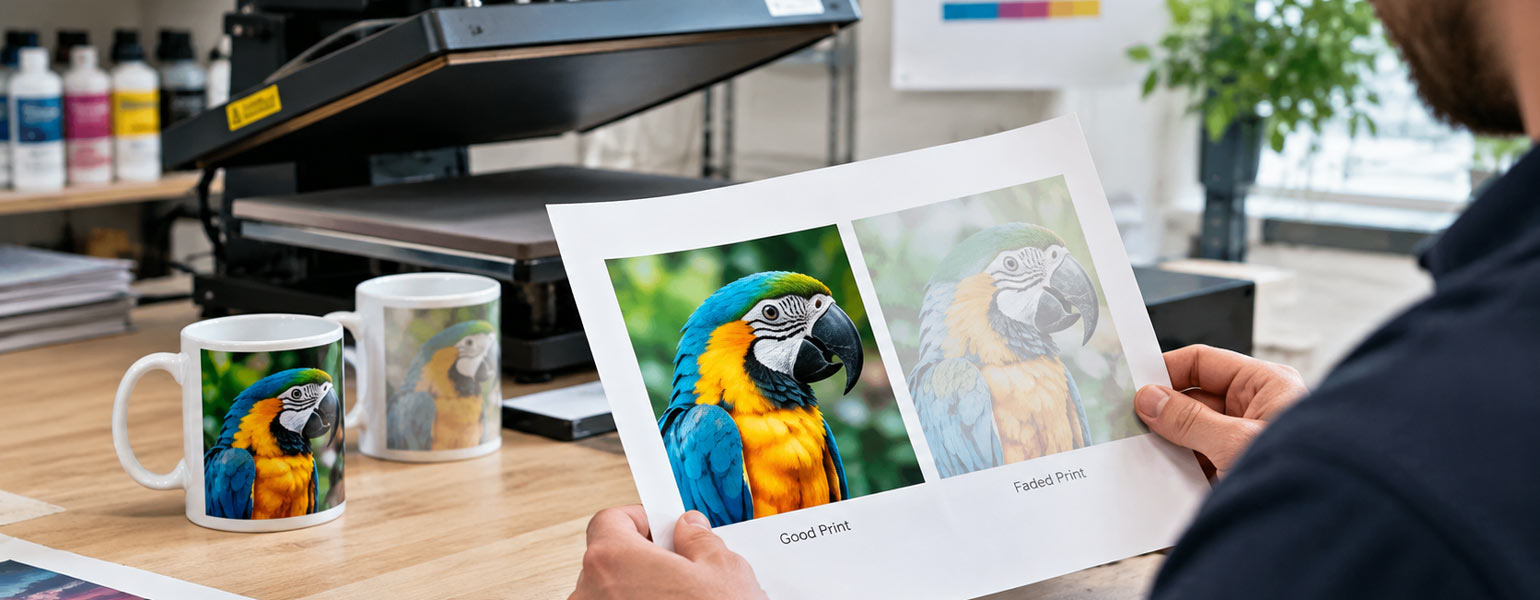
Yet the finished print still looks dull. Blacks appear slightly washed out. Colours don’t seem fully developed. The image looks as though it never quite reached its full potential.
Most people immediately blame the paper, the ink or even the blank itself.
What often gets overlooked is something much simpler.
What if your heat press isn’t actually reaching the temperature shown on the display? Don’t worry—I’ll explain some simple ways to check whether your heat press is accurate and offer straightforward steps you can take to fix any issues you find. This way, you’ll know that solutions are coming if your machine isn’t delivering the results you expect.
The display only tells part of the story
Many beginners assume that a digital display is an accurate measurement.
Unfortunately, that isn’t always true.
A heat press set to 200°C doesn’t necessarily mean the platen surface is actually at 200°C. In some cases, it might only be 190°C. Occasionally, it can even be hotter than the displayed value.
A difference of 5°C might not seem significant when you’re cooking dinner, but in sublimation printing, it can make a noticeable difference. Dye sublimation relies on heat to convert solid ink into gas. If the temperature never reaches the correct level, that process simply doesn’t happen as efficiently as it should.
The result is often subtle rather than dramatic.
Colours look slightly flat.
Fine details lose sharpness.
Dark shades never become fully rich.
Images appear as though someone has quietly reduced the saturation.
Because the print isn’t an obvious failure, many people spend weeks changing papers, inks and ICC profiles without ever questioning the machine itself.
Why do heat press temperatures drift over time
Even a good-quality heat press isn’t immune to temperature changes.
Like any piece of equipment, it experiences wear and ageing with regular use.
Temperature sensors are not perfect forever
Inside every heat press is a temperature sensor responsible for monitoring the platen.
Over time, repeated heating and cooling cycles can gradually affect its accuracy.
The machine may continue displaying exactly 200°C while the actual surface temperature slowly drifts away from that reading.
The change often happens so gradually that it’s difficult to notice from one week to the next.
Heat is rarely perfectly even
Another surprise for many users is that the platen doesn’t always heat evenly.
The centre may reach the target temperature while the corners remain several degrees cooler.
This becomes especially noticeable when pressing larger items such as A3 prints, oversized garments or multiple coasters at once.
If you’ve ever noticed one side of a print looking slightly better than the other, uneven heat distribution may be playing a role.
Cheap machines aren’t always inaccurate
There’s a common assumption that only budget heat presses suffer from inaccurate temperatures.
The truth is a little more balanced.
Many affordable machines perform surprisingly well.
Likewise, even premium models can drift over time if they haven’t been checked or calibrated for years.
Accuracy depends on manufacturing quality, component consistency, maintenance and usage rather than price alone.
Cold workshops make a difference
British weather isn’t exactly famous for tropical warmth.
During winter, many people work in garages, spare rooms or garden workshops where the ambient temperature can be surprisingly low.
Although the display may say the press has reached temperature, the heavy metal platen still needs time to become fully heat soaked.
Pressing immediately after the machine beeps can sometimes produce inconsistent results.
Many experienced users simply leave the press running for another five to ten minutes before beginning production.
It feels like wasted time until you compare the prints.
How to check whether your heat press is accurate
The good news is that checking a heat press isn’t particularly complicated. Here’s a simple step-by-step example you can try yourself:
1. Turn on your heat press and set it to the temperature you usually use, such as 200°C. Allow the machine to fully heat up and wait an extra five minutes to make sure the platen is evenly heated.
2. Take a temperature test strip and place it on the centre of the heated platen. Close the press lightly for just a few seconds to ensure the strip is in full contact with the surface.
3. Open the press and check the strip. If it changes colour at the set temperature, your heat press is likely accurate. If the colour does not change or only starts to shift well below the displayed temperature, there may be a difference between the display and the true surface temperature.
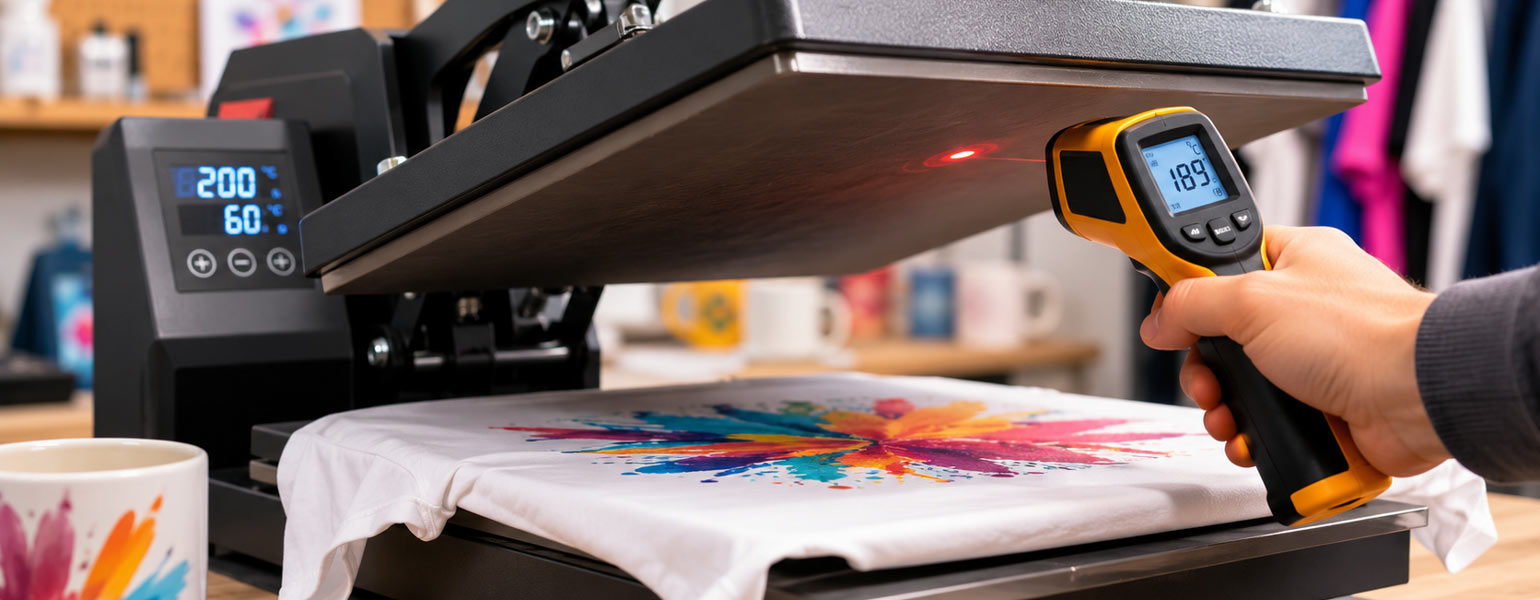
Alternatively, if you have an infrared thermometer, point it at several spots across the platen and compare the readings. Look for any areas that are much cooler or hotter than the set temperature.
Several methods depend on your budget and how precise you want to be.
Temperature strips
Temperature test strips are probably the easiest place to start.
They change colour when a specific temperature is reached, making it easy to see whether the platen is actually achieving the expected heat.
They’re inexpensive, require no technical knowledge and provide a quick visual indication.
They’re particularly useful if you’ve just bought a new machine and want a basic confidence check.
While they won’t provide laboratory-level accuracy, they’re often accurate enough to reveal a significant temperature difference.
Infrared thermometers
Infrared thermometers have become increasingly popular because they’re affordable and easy to use.
Simply point the laser at different areas of the platen and compare the readings.
This can quickly reveal whether one side is cooler than the other.
There is one important limitation, though.
Bare aluminium surfaces don’t always provide perfectly reliable infrared readings because of their reflective properties.
Many experienced users place a small piece of matte black heat-resistant tape on the platen before measuring. This provides a more consistent surface and generally improves measurement accuracy.
Temperature probes
If accuracy is your highest priority, a contact temperature probe generally provides more dependable readings than an infrared thermometer.
Because the probe physically touches the heated surface, it avoids many of the reflection issues associated with infrared measurement.
Professional print shops often rely on contact probes when checking calibration across multiple machines.
Don’t forget calibration
If you’ve confirmed that your machine consistently reads 10°C lower than the display, replacing the press isn’t necessarily the answer.
Many heat presses allow temperature calibration through their controller settings.
This lets you adjust the displayed value so it better matches the actual platen temperature.
Some machines make this process straightforward through the control panel, while others require guidance from the manufacturer.
It’s worth checking the user manual before assuming your machine has reached the end of its life.
Build your own temperature reference
One habit that experienced sublimation printers develop is keeping notes.
Instead of relying purely on online temperature charts, they gradually build their own settings based on their own equipment.
For example:
- Ceramic mugs perform best at 192°C on one machine.
- Polyester T-shirts consistently produce stronger colours at 197°C.
- MDF coasters need an extra ten seconds despite matching the recommended temperature.
These notes become far more valuable than generic charts because they’re based on your own heat press rather than someone else’s.
Don’t chase too many variables at once
When prints don’t look right, it’s tempting to change everything.
Different paper.
Different ink.
Longer pressing time.
More pressure.
Higher temperature.
Before long, you’ve introduced five new variables and have no idea which one actually made a difference.
A more effective approach is to change one thing at a time.
If you’ve already confirmed that your artwork, pressure, blank and pressing time are correct, checking the true platen temperature should be one of your next steps rather than your last.
It can save hours of frustration and a surprising number of wasted blanks.
Reliable equipment still matters
No heat press remains perfectly accurate forever, but a well-built machine should deliver stable temperatures, even heating and dependable performance over years of regular use.
If you’re looking for a new press or upgrading from an older model, it’s worth paying attention not only to pressure mechanisms and build quality, but also to temperature consistency and calibration options.
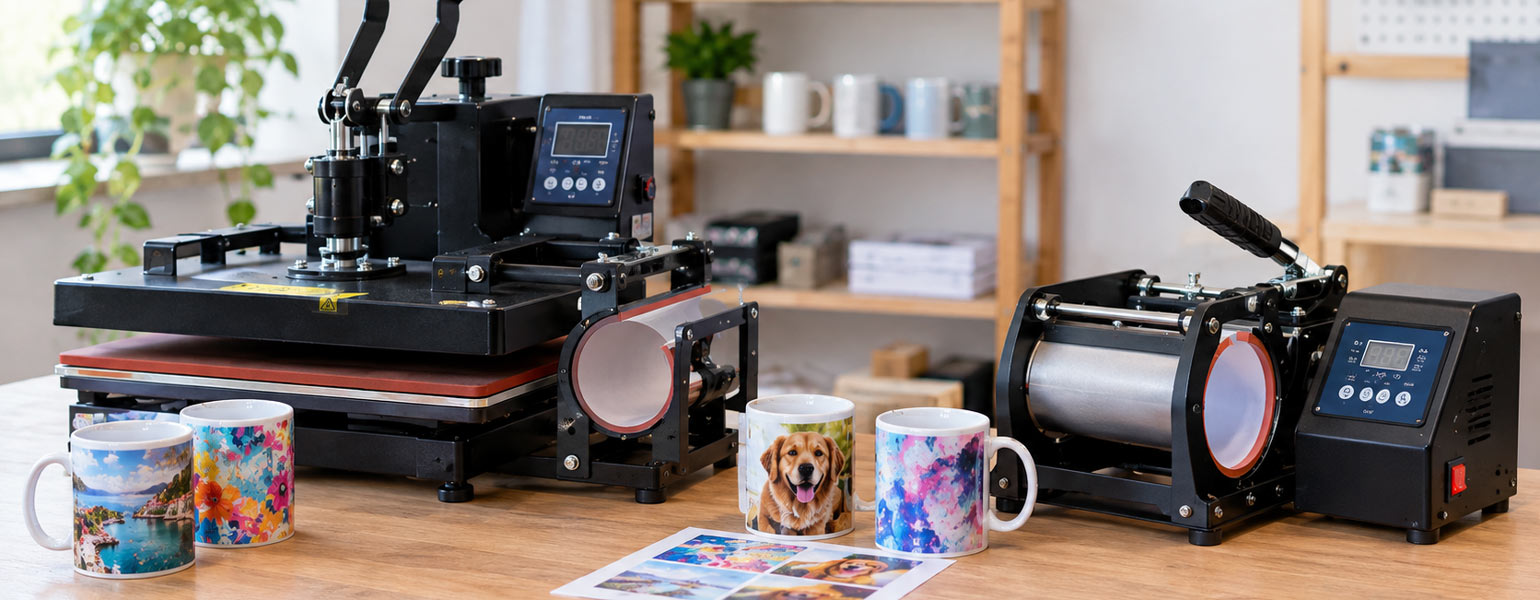
At Signzworld, a large range of heat press machines is designed for hobbyists, small businesses and growing production environments. From compact entry-level presses to larger professional models, each machine is built to provide stable heating and reliable performance, helping you spend less time troubleshooting and more time creating prints you’re proud of.