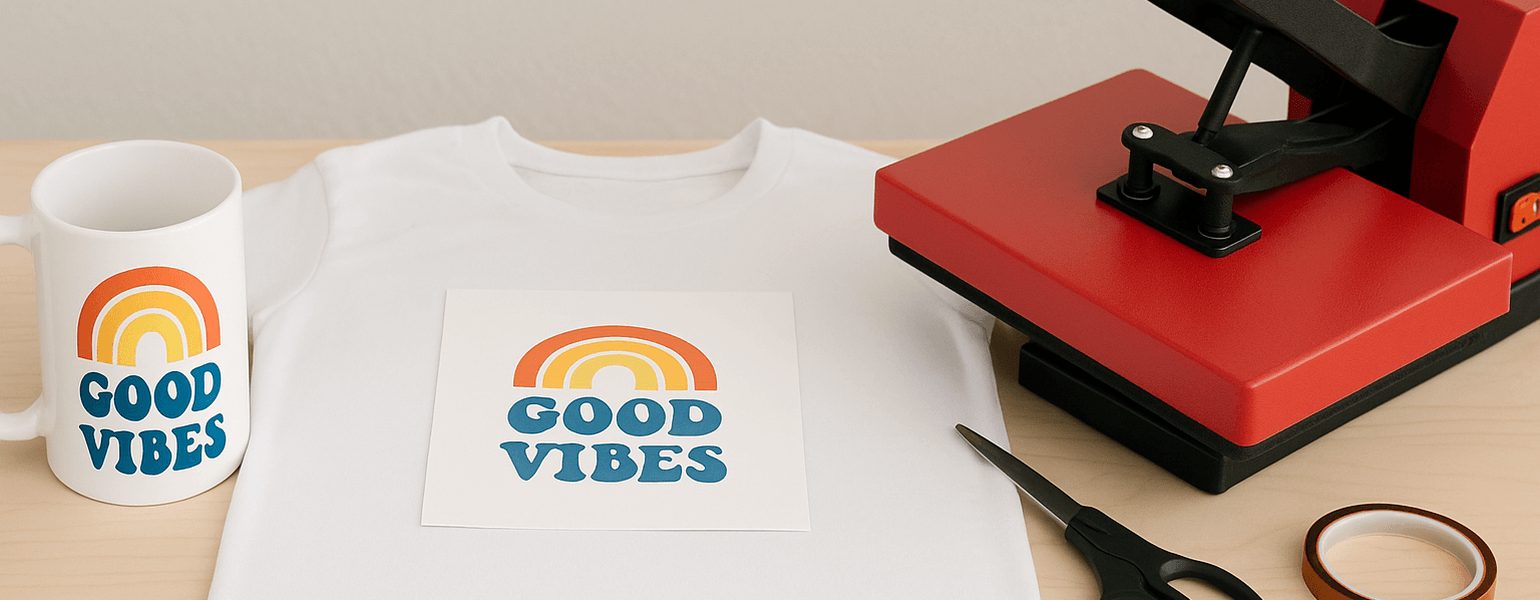
When it comes to making DIY sublimation blanks and crafts, why are other people’s finished products clear and vibrant, while yours look blurry and dull? You might want to check the following areas for possible reasons:
Ensure the quality of your sublimation blanks
Coating quality: This is the most important factor for blanks. The surface must have a uniform and dense polyester coating to better absorb the sublimation ink. Otherwise, the result may be a blurry image, dull colors, or even image peeling. Therefore, we recommend purchasing blanks from professional suppliers and reputable brand stores.
Clean and smooth surface: If the surface is bumpy or has dust or oil stains, it will affect ink absorption and result in “white spots” or image defects.
Use dedicated sublimation ink and transfer paper
We do not recommend using regular dye ink, as sublimation ink offers higher color saturation and better penetration.
Use high-quality sublimation transfer paper, which ensures: Ink stays in place after printing and does not bleed, preventing blurry images; High release rate during heat transfer, enhancing the image’s color accuracy.
Accurately control temperature, time, and pressure
Different types of sublimation blanks and materials require different settings. For example:
- Ceramic mug: 180°C, 180 seconds, medium pressure
- T-shirt: 200°C, 60 seconds, light to medium pressure
- MDF photo frame: 190°C, 90 seconds, medium pressure
- Metal plate: 190°C, 60 seconds, medium to high pressure
In general:
- Too low a temperature can result in blurry images
- Insufficient time can cause incomplete sublimation
- Uneven pressure can make the image edges blurry or faded
Image design and printing setup
Simply put, we recommend: Image resolution ≥ 300 DPI; Use CMYK color mode; Use the original ICC color profile to avoid color deviation.
Transfer operation details
These mainly include: Preheating the heat press to ensure a stable temperature; Using heat-resistant tape to fix the transfer paper and avoid image misalignment; Preheating the blank for a few seconds before pressing to remove surface moisture; Peeling off the transfer paper immediately after pressing to prevent image blurring
Environmental impact
High humidity can cause the paper to become damp, resulting in blurry images. Also, sublimation ink that has been stored too long may fade or lose effectiveness.
In short, follow the above key points provided by Signzworld, and you’ll be able to produce sublimation prints that are vibrant in color and sharp in detail.