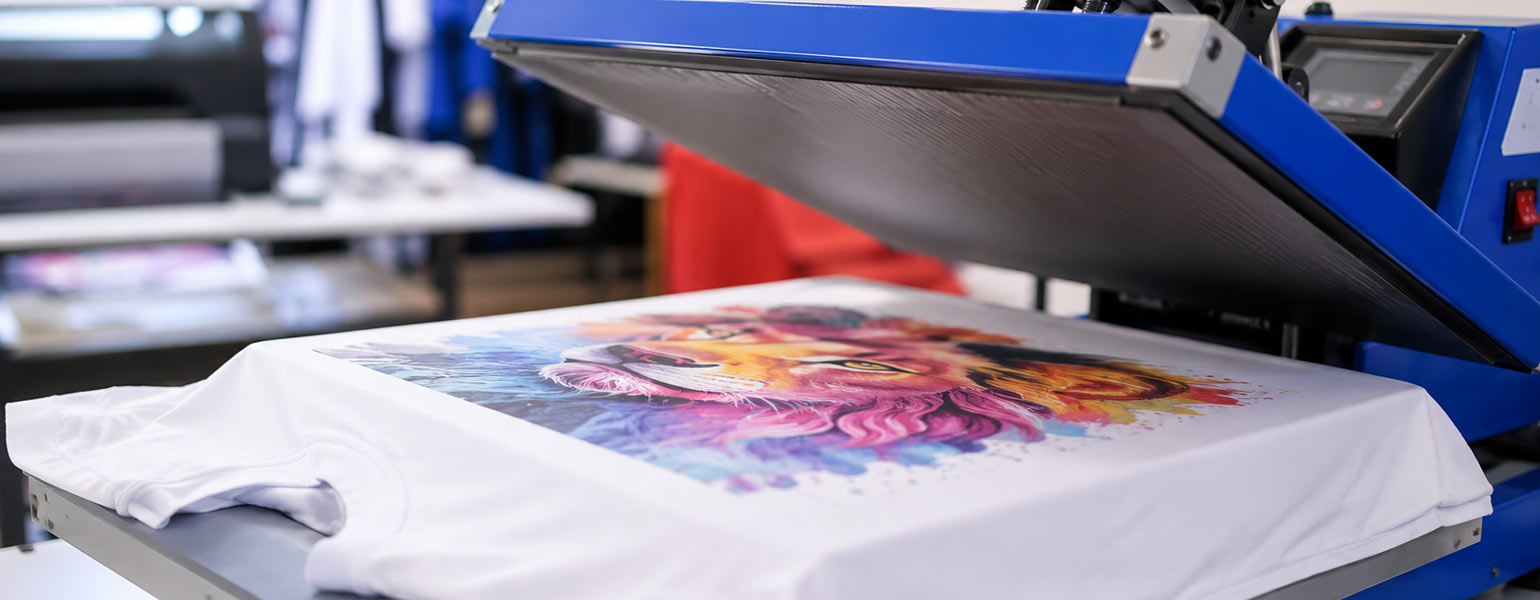
You have just finished sublimating a T-shirt. You lift the heat press, peel away the transfer paper, and immediately notice something is not quite right.
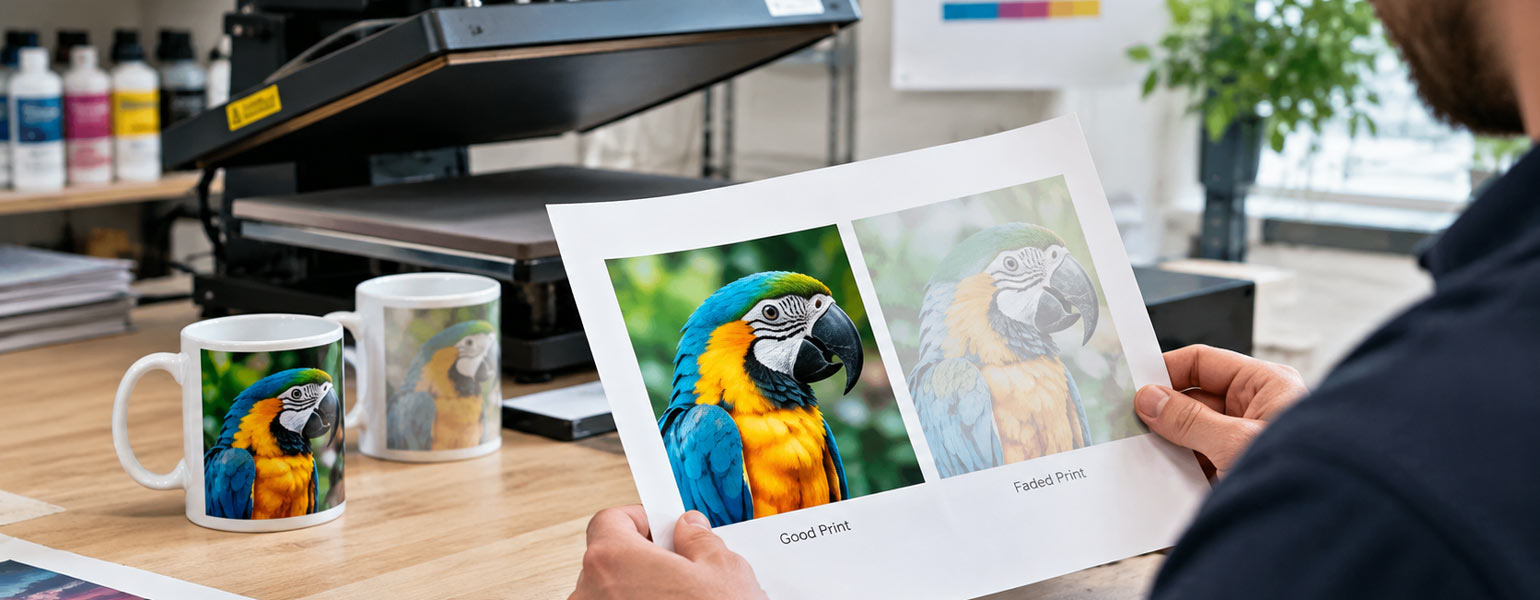
The design looks a little faded.
It is not a complete disaster. The image is there, the details are visible, and the colours are recognisable. They just do not look as vibrant as you expected.
At this point, a very common thought pops into your head: should I put it back in the heat press?
Maybe another press will make the colours stronger.
It is an understandable idea, and plenty of experienced sublimation users have tried it. Some people will even tell you that repressing has saved a few prints for them over the years. Occasionally, that may be true.
But repressing is not a universal repair button.
Once a sublimation print has gone wrong, the important question is not simply whether you can press it again. In most cases, you physically can. The real question is whether another press will improve the problem or make it worse.
That depends entirely on what caused the original issue.
What Actually Happens When You Repress a Sublimation Print?
Before deciding whether to repress a sublimation print, it helps to remember that sublimation is not the same as ordinary printing.
During heat transfer, sublimation ink turns into a gas and bonds with the polyester fibres or polymer coating of the blank. Once that transfer has happened, the process is not easily reversed.
This is why a second press does not automatically add more colour.
If most of the dye has already transferred during the first press, putting the item back under heat and pressure may simply expose the existing print to more heat. Depending on the material and the original problem, this can lead to:
- Colour that has already transferred being affected by additional heat
- An overheated or damaged coating on a sublimation blank
- Further ink migration
- More noticeable bleeding around edges
- Increased ghosting if the paper moves
- A design that looks worse rather than better
Repressing can sometimes help, but it is very much a case of understanding why the print looks wrong before doing anything else.
The T-Shirt Looks Faded. Should You Repress It?
This is probably the most common situation.
You finish a sublimation T-shirt, remove the paper and find that the colours look weaker than expected. The temptation is to place the same transfer paper back onto the shirt and give it another press.
Sometimes this can work, but only under very specific circumstances.
The first thing to ask is whether there is still usable dye left in the paper.
If the original press was genuinely too short, too cool or too light, the ink may not have fully sublimated and transferred. In that situation, carefully repositioning the paper and applying another press may improve the result.
However, there is a catch.
If the first press was already close to correct, the remaining ink on the paper may be limited. A second press may produce only a small improvement, while creating new problems through additional heat exposure.
Before repressing, consider these questions:
Was the temperature actually too low?
Do not rely only on the temperature shown on the heat press display. If faded sublimation prints happen regularly, it may be worth checking the real platen temperature.
An inaccurate heat press can easily cause repeated colour problems.
Was the pressing time too short?
If you accidentally stopped the press early, repressing may be worth considering. This is one of the clearer situations where a second press can sometimes help.
Was the pressure too light?
Poor contact between the transfer paper and the garment can affect colour transfer. If this was the likely cause, repressing may improve some areas, although there is still a risk of uneven results.
Is the fabric suitable for sublimation?
This is where many attempted rescues go nowhere.
If the T-shirt does not contain enough polyester, or the polyester content is too low for the colour intensity you want, pressing it again is unlikely to solve the problem. The issue is not that the ink needs more time. There may simply be fewer polyester fibres available to bond with the dye.
In that case, another press will not magically create a more vibrant print.
Faded Prints Are Not Always Under-Pressed Prints
A faded design is easy to misdiagnose.
People often assume:
Faded print equals not enough heat.
But the real cause could be completely different.
It may be caused by:
- A low polyester content
- The wrong type of sublimation paper
- Incorrect print settings
- A colour profile issue
- Ink that is not performing properly
- Excessive moisture in the garment or paper
- Uneven heat across the platen
- Insufficient pressure or poor contact
This is why blindly repressing every faded sublimation print is risky.
If the original problem came from your printer, ink, colour settings or material, another heat cycle is not really a solution. It is just repeating the final stage of a process that was already wrong earlier.
What About Ghosting? Repressing Is Usually a Bad Idea
Ghosting is one of those sublimation problems where the answer is usually fairly clear.
Do not repress it.
Ghosting normally happens when the transfer paper moves while the ink is still transferring or immediately after the press opens. Even a small shift can leave a faint second image or shadow around the design.
Once that ghost image has transferred, another press cannot remove it.
Trying again may make the situation worse.
You may end up with:
- More visible shadows
- Additional ink spreading
- A second ghost image
- Further colour transfer in unwanted areas
The better approach is to focus on preventing the paper from moving in the first place.
Heat-resistant tape can help secure the transfer paper where appropriate. Just as importantly, open the press carefully and avoid dragging or shifting the paper across the surface of the item.
With garments, make sure the transfer is properly positioned and held securely before pressing.
Ghosting is generally a prevention problem, not a repressing problem.
Can You Repress a Sublimation Print with Bleeding?
Usually, no.
Bleeding occurs when the dye spreads beyond the intended edges of the design. Fine details start to lose their definition, and colours may appear to run into neighbouring areas.
Applying more heat can encourage further ink movement.
This is particularly important with detailed artwork, text and high-contrast designs. A slightly soft edge after the first press can become noticeably worse after another cycle.
If bleeding is caused by excessive temperature, too much time or unsuitable settings, repressing is almost guaranteed to take the problem in the wrong direction.
Check the original process instead.
Was the temperature too high? Was the pressing time too long? Was the paper suitable for the ink load and design? Was there too much ink applied during printing?
Those are the questions worth answering before making another attempt.
Uneven Transfer Can Sometimes Be Different
Uneven sublimation transfer is more complicated.
You may see one part of the design looking vibrant while another area appears faded or incomplete.
In some cases, repressing may help.
For example, if you know that part of the design received poor contact because the item was uneven or the pressure was inconsistent, a carefully controlled second press could potentially improve the lighter area.
But you still need to think about the parts that already transferred correctly.
They will also be exposed to heat again.
That means a second press could improve one area while affecting another.
For this reason, it is worth checking why the pressure was uneven before attempting a rescue. Common causes include:
- Seams, zips or thick areas underneath the pressing surface
- An uneven garment
- A poorly adjusted heat press
- Uneven platen pressure
- A substrate that is not sitting flat
If possible, test the process on another item first.
One sacrificed test blank is often cheaper than turning a slightly imperfect product into an unusable one.
Wrong Positioning Is a Different Kind of Problem
If you simply positioned the design in the wrong place, repressing may not be able to help at all.
Sublimation ink becomes part of the polyester fibres or coating. Once the image has transferred, you cannot simply heat the area again and make the original design disappear.
You may be able to cover the mistake with another design in certain creative situations, but that is no longer a true reprint.
It is a redesign.
For example, a small misplaced graphic might sometimes be incorporated into a larger design, depending on the item and the artwork. But if you are producing customer orders, the most practical option may be to replace the blank rather than trying to rescue something that will never look completely right.
The Biggest Problem with Repressing: The Original Cause Has Not Disappeared
This is the part that is easy to overlook.
Imagine your first sublimation print looks faded because your heat press is running 10°C cooler than the display suggests.
You repress the item.
Perhaps the second press improves the colour slightly. Great.
But the real problem is still there.
The next item may fail too.
This is why experienced sublimation printing is less about learning clever ways to rescue mistakes and more about learning how to identify the cause of the mistake.
A successful repress can occasionally save one item.
A proper diagnosis can save every item you print afterwards.
A Simple Way to Decide Whether Repressing Is Worth Trying
When a sublimation print goes wrong, pause for a moment before putting it straight back into the press.
Ask yourself what happened during the first press.
Repressing may be worth considering when:
- The press was stopped noticeably too early
- The temperature was clearly too low
- There was insufficient contact in a limited area
- You have reason to believe some dye remained in the transfer paper
- You are working with a test piece rather than an important customer order
Repressing is usually a bad idea when:
- The print has ghosting
- Colours are bleeding
- The material or coating has already been overheated
- The paper has shifted
- The design is in the wrong position
- The print has already transferred properly but simply does not look as expected because of the material or print settings
There will always be unusual cases, of course. Sublimation is full of variables, and experienced printers sometimes find a workaround that works for a particular product.
The key is not to treat repressing as the default response.
A Few Habits That Prevent Sublimation Problems in the First Place
The easiest mistake to fix is the one you never make.
That sounds obvious, but a few simple habits can dramatically reduce the number of disappointing sublimation prints.
Check Your Actual Heat Press Temperature
A display setting is useful, but it does not guarantee that the platen is reaching that temperature evenly.
If you are seeing repeated faded areas or inconsistent colour results, test the press rather than continually changing your artwork or printing settings.
Use Consistent Pressure
Inconsistent pressure can create uneven transfer, particularly with larger designs.
Make sure the item is positioned correctly and sits as flat as possible. Be aware of seams, pockets and thicker areas that may affect contact.
Keep Moisture Under Control
Moisture can interfere with sublimation and contribute to unexpected marks or colour problems.
A quick pre-press can help remove moisture and smooth the surface, depending on the material and recommended process.
Secure the Transfer Paper
If paper movement causes ghosting, no amount of repressing will truly repair it.
Take a little extra time before pressing. Make sure the transfer is correctly positioned and secured where necessary.
Test Before Running a Large Batch
This is particularly important when using a new blank, new paper, different ink or an unfamiliar heat press.
A small test can reveal problems with colour, temperature or pressure before you have already produced ten disappointing items.
Keep Notes on What Works
You do not need a complicated laboratory-style system.
Even a simple note of the product, temperature, time and pressure can save a lot of guesswork later.
When you find settings that consistently work with a particular sublimation blank, keep them.
And if something goes wrong, record that too. You may notice a pattern after a few jobs.
Good Results Start Before the Heat Press Closes
It is tempting to see the heat press as the final place where every sublimation problem can be corrected.
Unfortunately, it does not work that way.
By the time you close the press, decisions have already been made about the design, printer settings, ink, paper and blank. If one of those stages has gone wrong, more heat may not provide the answer.
In fact, pressing again can sometimes lock you into an even worse result.
The best approach is to treat repressing as a possible repair, not a standard technique.
If the first press was clearly interrupted or under-processed, a second carefully controlled press may be worth trying. If the problem is ghosting, bleeding, wrong positioning or overheating, it is usually better to stop and identify the cause.
That small pause can save you a surprising number of wasted blanks.
Getting the Basics Right Makes Repressing Less Necessary
Most sublimation problems become much easier to avoid when the whole setup is working consistently.
Reliable sublimation ink, suitable transfer paper, good-quality polyester garments and correctly coated blanks all play a part. So does a heat press that delivers stable and even heat.
For businesses and hobbyists working with sublimation products, Signzworld offers a range of sublimation blanks, including mugs, textiles and other printable items, alongside sublimation accessories and heat press equipment. Having compatible materials and a consistent setup will not guarantee that every print is perfect, but it can make troubleshooting far easier when something does go wrong.