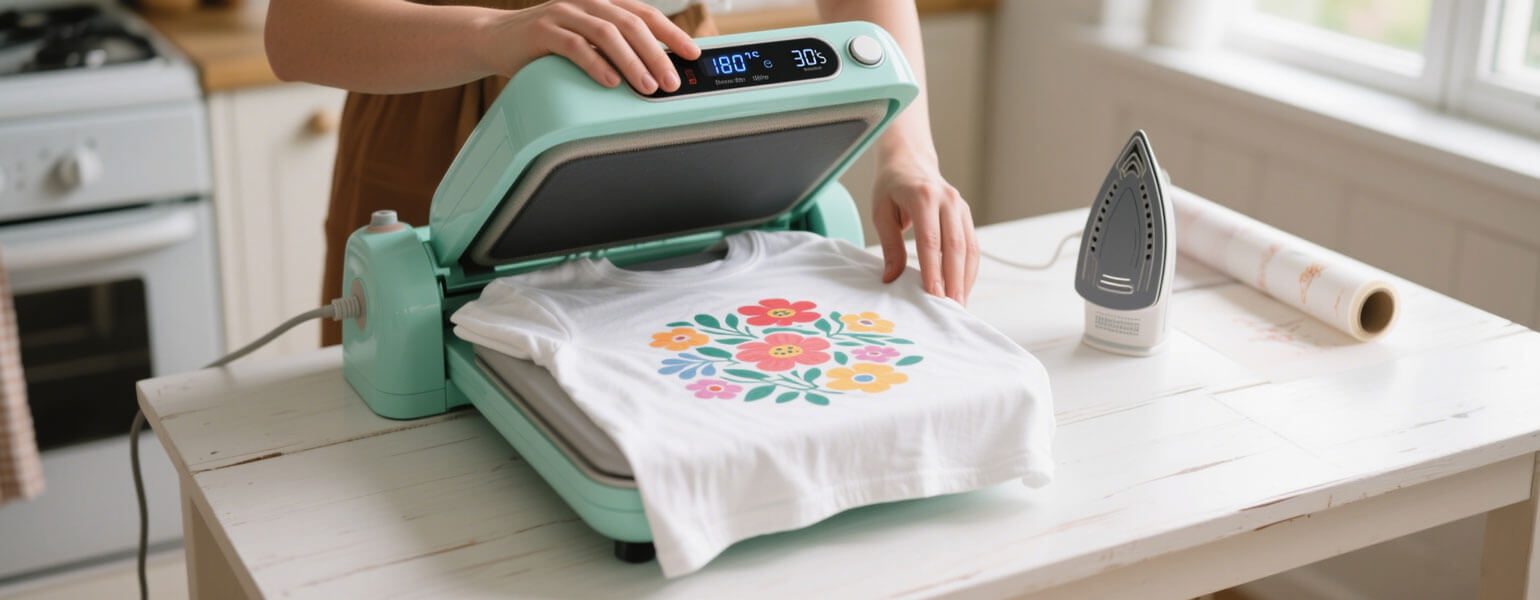
So, you’ve just purchased a complete set of sublimation DIY equipment and accessories—now it’s time to get started! Using your heat press machine correctly is crucial. Not only does it ensure high-quality, vibrant prints, but it also extends the lifespan of your machine.
Before You Begin
Choose the Right Heat Press Machine
Make sure you’re using the correct type of heat press—this step is often overlooked but incredibly important.
- Flat heat press machines are ideal for T-shirts, tote bags, wooden boards, and other flat surfaces.
- Mug heat presses are designed specifically for cylindrical items like ceramic mugs.
- Multi-function heat press machines come with interchangeable attachments, making them suitable for a wide variety of sublimation blanks.
Know Your Materials
Double-check your transfer paper: is it sublimation paper, heat transfer paper, or DTF? Each type requires different temperature and time settings. Also, make sure your transfer paper is compatible with the surface material you’re working with—for example, sublimation works best on polyester or polymer-coated substrates.
Heat Press Operation Steps
1. Power On and Preheat
Turn on your heat press and set the appropriate temperature and time.
Common settings:
- Sublimation: 180°C for 60 seconds
- Heat transfer paper: 150°C for 15 seconds
Let the machine preheat fully—it usually takes around 5 minutes. Patience is key here!
2. Prepare Your Material
Place your item (e.g., T-shirt or bag) flat on the lower platen and pre-press for 3–5 seconds to remove moisture and wrinkles.
Then place the printed design face-down onto the item and secure it with heat-resistant tape to prevent any shifting during pressing.
3. Heat Press the Design
For manual models, close the upper platen and press the start button. Make sure the pressure, temperature, and time are consistent throughout the process.
For automatic models, the machine will take care of the pressing cycle for you.
4. Peel Off the Transfer Paper
Depending on the type of transfer, use either hot peel or cold peel—follow the instructions for your specific paper.
After peeling, check if the transfer is clean, sharp, and colorful.
Important Tips and Precautions
Set the Right Temperature and Time
Always adjust your settings according to the material and transfer paper. For example, cotton fabrics don’t work with sublimation—they require heat transfer paper instead.
Adjust the Pressure Correctly
Getting the right pressure is a critical skill:
- Too little pressure = blurred or incomplete images
- Too much pressure = scorch marks, deformed blanks, or even damage to the heat plate
Adjust pressure using the knob or control based on your machine type.
Align and Secure Your Design
Use heat-resistant tape to hold your design in place. Never tug or stretch fabric materials while the design is still hot—it could cause ghosting or distortion.
Safety First
Keep your hands away from the heat plate during operation to avoid burns.
After you’re finished, turn off the machine, allow it to cool, and wipe the surface with alcohol or a dedicated cleaner to keep it in good condition.
This guide is written by Signzworld, a UK-based sublimation supplier with over 14 years of industry experience