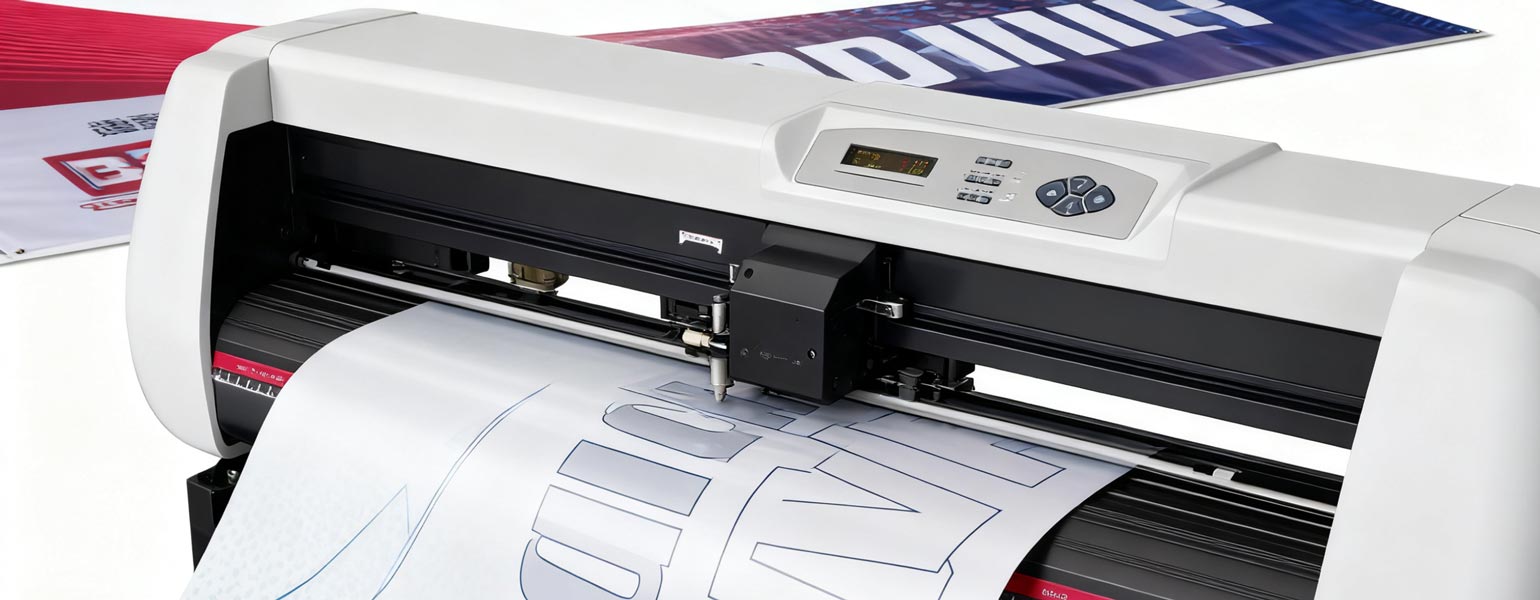
If you work in advertising production, garment heat transfer, or DIY crafts, you’ll already know how important a Cutter Plotter is. This machine is designed to cut intricate vector graphics or customised lettering with precision. And because accuracy is everything, learning how to use your Cutter Plotter properly will make a big difference to the quality of your work.
In this guide, we’ll walk you through the essential steps for getting the best performance from your Cutter Plotter.
Installation and Setup
- Stable positioning: Place your machine on a solid, level workbench to avoid vibrations that can affect cutting accuracy.
- Power and connections: Plug in the power cable and connect via USB, serial, or Bluetooth. Make sure the driver software is installed correctly.
- Software setup: Install compatible cutting software such as Artcut, SignMaster, or FlexiSIGN and check that files can be sent to the machine without issues.
- Material preparation: Popular materials include vinyl, reflective film, heat transfer film, card stock, and thin plastic sheets. Always ensure they are flat and crease-free.
Setting Up Blades and Pressure
- Blade adjustment: Only a small portion of the blade should protrude—typically 0.3–0.8 mm, just longer than the thickness of the material. Too much exposure risks cutting through the backing paper or breaking the blade; too little means the material won’t cut through cleanly.
- Pressure settings: Match the cutting pressure to the type of material. As a guide:
- Vinyl: 40–80 g
- Heat transfer film: 60–120 g
- Reflective film: 150–250 g
- Speed settings: Use a slower speed (10–20 cm/s) for small text or detailed designs. For larger, simpler shapes, medium speed (40–60 cm/s) works best.
File and Design Preparation
- Use vector graphics: A Cutter Plotter only recognises vector paths, not bitmap images like JPGs or PNGs.
- Output settings: Double-check cutting paths, orientation, and whether you need to mirror the design (essential for heat transfer films).
- Layout efficiency: Arrange your design carefully to minimise material waste.
Cutting Process
- Load the material under the pinch rollers and adjust them to hold the sheet firmly in place.
- Set the origin point correctly to avoid cutting onto empty space.
- Select your design in the software and click the cut/send button.
- Keep an eye on the machine to ensure smooth feeding and no misalignment.
After Cutting
- Weeding: Use tweezers or a weeding tool to peel away the excess film, leaving only the desired design. This step is especially important for detailed lettering.
- Transfer tape: Apply clear transfer tape to lift the design off the backing and keep everything in place during application.
Pro Tips from Signzworld
- Replace blades regularly to keep cutting sharp and consistent.
- Always run a small test cut to fine-tune pressure and speed before starting a big job.
- For small or delicate text, use static vinyl sheets or transparent transfer tape to maintain design integrity during transfer.
Final Thoughts
A Cutter Plotter is an indispensable tool for sign makers, T-shirt printers, and craft enthusiasts. By following the correct setup and operating steps, you’ll save time, reduce material waste, and achieve professional-quality results every time. In addition, Correct operation of a Cutter Plotter can also effectively extend the machine’s lifespan.